
Frequently Asked Questions
Our support team sometimes notices they’ve received the same question a few times. When that occurs, we add it to our FAQ queue, to make a blog post accessible to everyone. These FAQs include how to get devices working, questions about the display industry, questions about microcontrollers, and more! Do you have a question not covered here? Contact Crystalfontz Support.
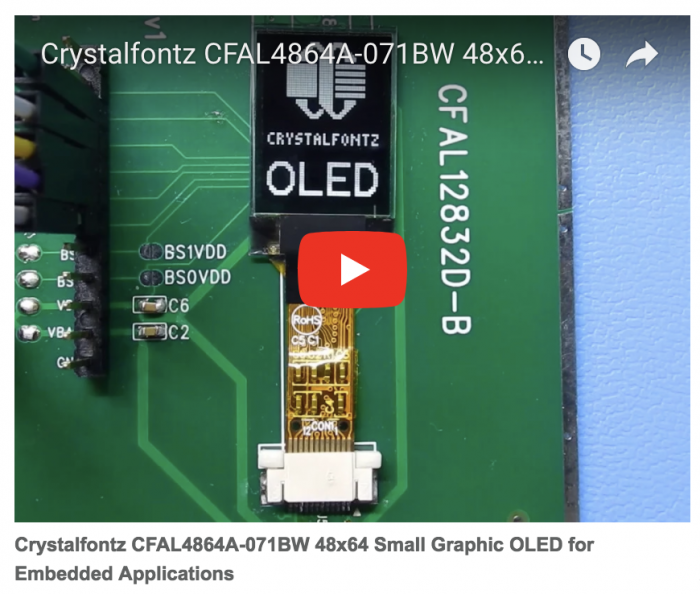
Site Updates: Crystalfontz Video Channel and Shipping Options
Crystalfontz Product Videos Tech specs are great, but sometimes it is better to see a display in action. Crystalfontz is focusing on doing just that — from how-tos to new product showcases, our video channel page is a perfect starting point. We have also added a ‘Videos’ link to the top of every page for […]
Site Updates: Crystalfontz Video Channel and Shipping Options Read More »
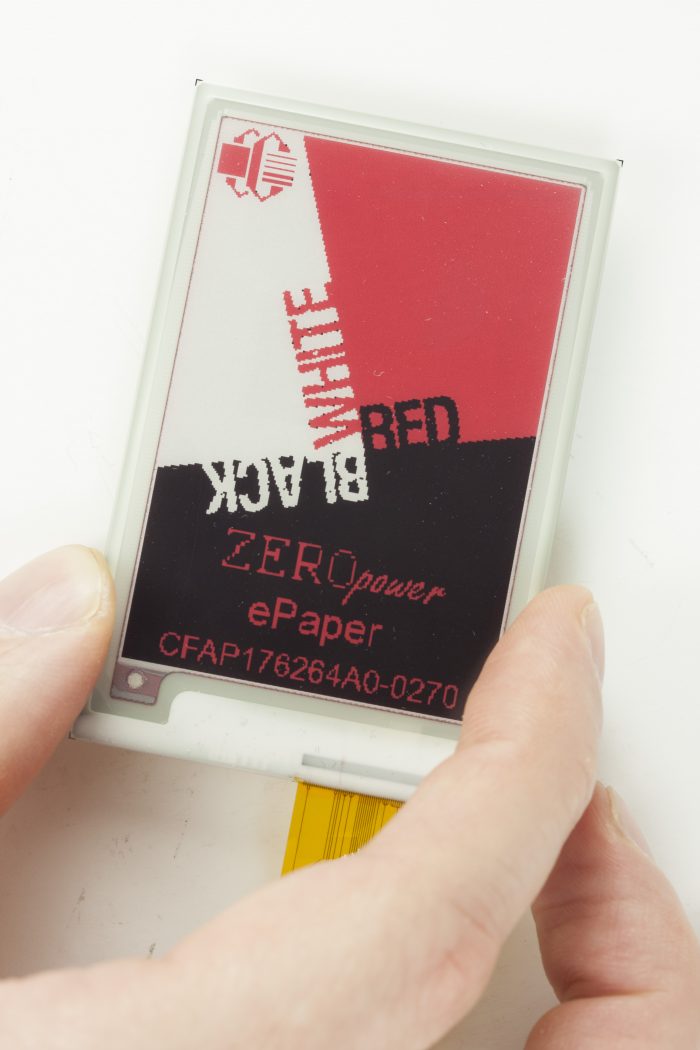
New Product Alert: 3-color ePaper displays
Crystalfontz is pleased to announce the addition of a 2.7″ diagonal, 176 x 264 resolution 3-color ePaper display to our main ePaper display product line. This 2.7 inch, zero-power display features foreground colors of black and red and a background color of white. Why We Love It Two of the most popular features of ePaper is that it is a ‘zero
New Product Alert: 3-color ePaper displays Read More »
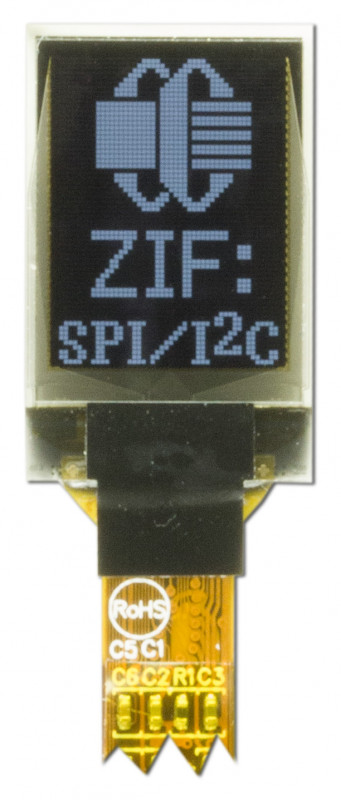
New Product Alert: Small OLEDs
Crystalfontz is pleased to announce two new small OLEDs — both less than 1-inch (25mm) in size — to our product lineup. Both of these small OLED displays feature a flex tail that is compatible with a standard 0.5mm pitch, 12-position ZIF connectors. The ZIF connector makes it easy to integrate the display in your
New Product Alert: Small OLEDs Read More »
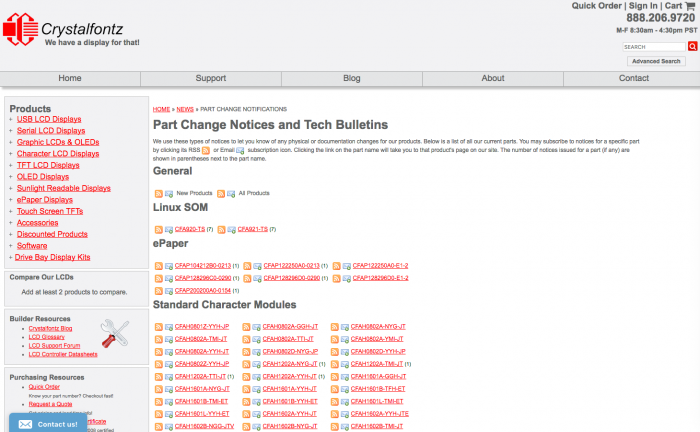
FAQ: Product Update and Change Notifications
Change notifications come in two forms: PCN and PUN. PCN stands for Product Change Notification. PUN stands for Product Update Notification. Official Definitions Product Change Notification (PCN) – Change to existing product form, fit or function, and is deemed significant enough for customer notification. Product Update Notification (PUN) – Changes to product that do not affect
FAQ: Product Update and Change Notifications Read More »
What’s New?
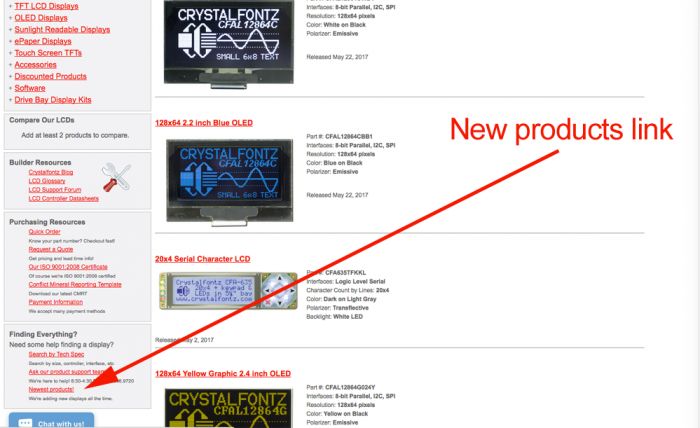
At Crystalfontz we are always working hard to maintain and improve our current line of display modules and bring you exciting new LCD options to choose from. When we upload a new display module to our site, it is featured on our New Products page. You can always find the link to this page in
Transmissive vs Transflective vs Reflective Displays
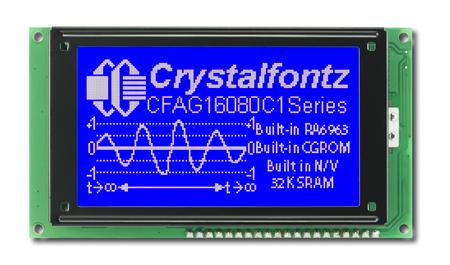
Have you ever wondered what the difference is between transmissive, transflective, and reflective display modules? We’ve added 3 new terms to the Crystalfontz Glossary this week. Here is a quick intro about the main defining feature for each type of display module. Click on each link to learn more, see photos, and find applicable Crystalfontz displays for
Transmissive vs Transflective vs Reflective Displays Read More »
Understanding Passive STN Segment, Alphanumeric, and Graphic Displays
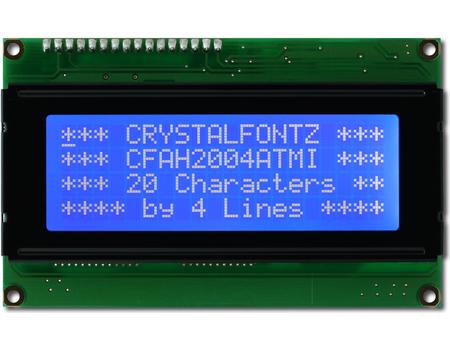
Learn about the three major types of Passive STN (Super Twisted Nematic) LCDs: segment, alphanumeric, and graphic. Passive STN (Super Twisted Nematic) displays come in three major types: Let’s take a closer look at these 3 types of displays. What are Passive STN Segment, Alphanumeric, and Graphic Displays? Segment LCDs A segment display is the
Understanding Passive STN Segment, Alphanumeric, and Graphic Displays Read More »
5 Key Engineering Advantages of OLEDs
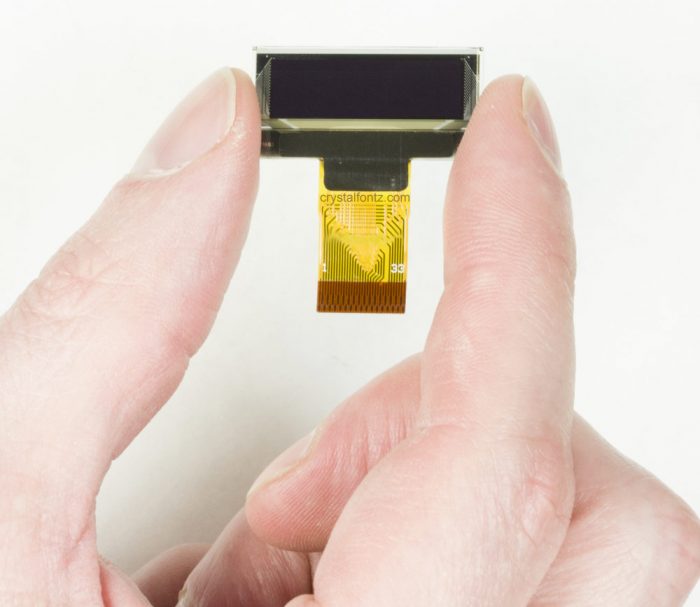
OLED (Organic Light-Emitting Diode) technology represents a significant leap from traditional LCDs because it utilizes organic compounds that emit light directly when an electric current is applied. Unlike standard displays that require a persistent backlight, each pixel in an OLED module acts as its own light source. This fundamental difference is why engineers and designers
5 Key Engineering Advantages of OLEDs Read More »
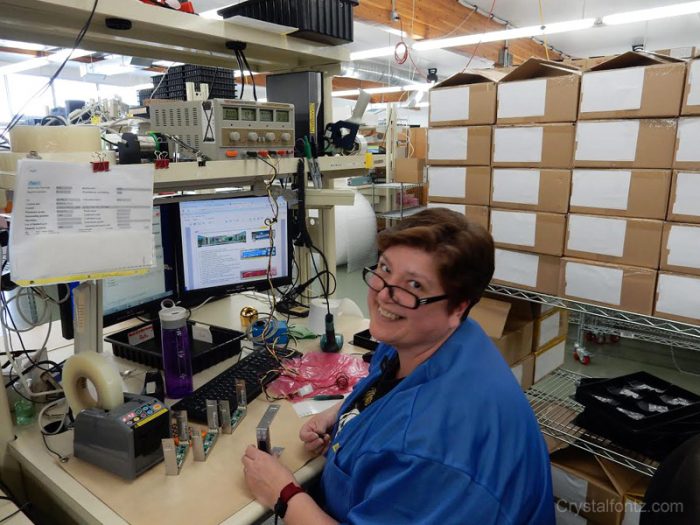
5 Question Interview: Lorry
In this 5-question interview, meet Lorry, who works on our production line. Lorry programs and tests our LCD modules as part of our quality control team. Related: Behind the scenes: LCD production line This interview is part of a series of 5-question interviews to meet the people at Crystalfontz who are part of our engineering team, answer
5 Question Interview: Lorry Read More »
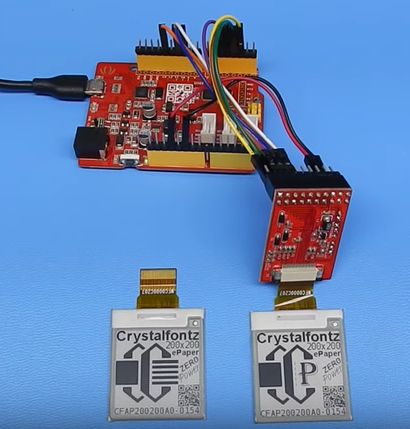
A Closer Look: Crystalfontz ePaper 200×200 1.54″ Zero-Power Display
This black and white 200×200 e-paper display module is a perfect size for small, low power electronic shelf labels. Once the epaper’s eink image is shown, it remains visible with zero additional power! These e-Paper displays will retain the last image shown on their screen indefinitely, with no electrical connections and zero power consumption. Additional Benefits
A Closer Look: Crystalfontz ePaper 200×200 1.54″ Zero-Power Display Read More »
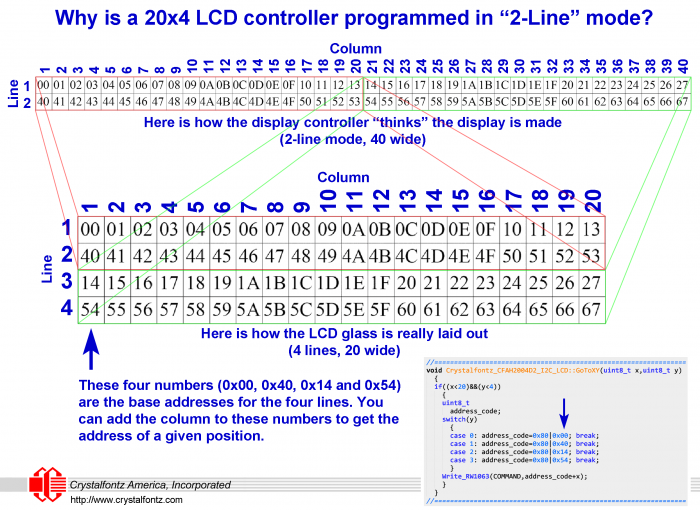
FAQ: Why does the initialization code for a 20×4 LCD specify 2-line mode?
When working with a 20×4 character LCD, you might be surprised to see the controller set to 2-line mode: Write_To_LCD(COMMAND,0x38); //SET 2 LINE,5*8 FONT Why would a 4-line LCD’s controller be set to 2-line mode? It has to do with the way the LCD glass is laid out. Essentially the display is the right and
FAQ: Why does the initialization code for a 20×4 LCD specify 2-line mode? Read More »